Chiropractic Scheduling Software Features Explained: 11 Essential Tools Every Clinic Should Understand
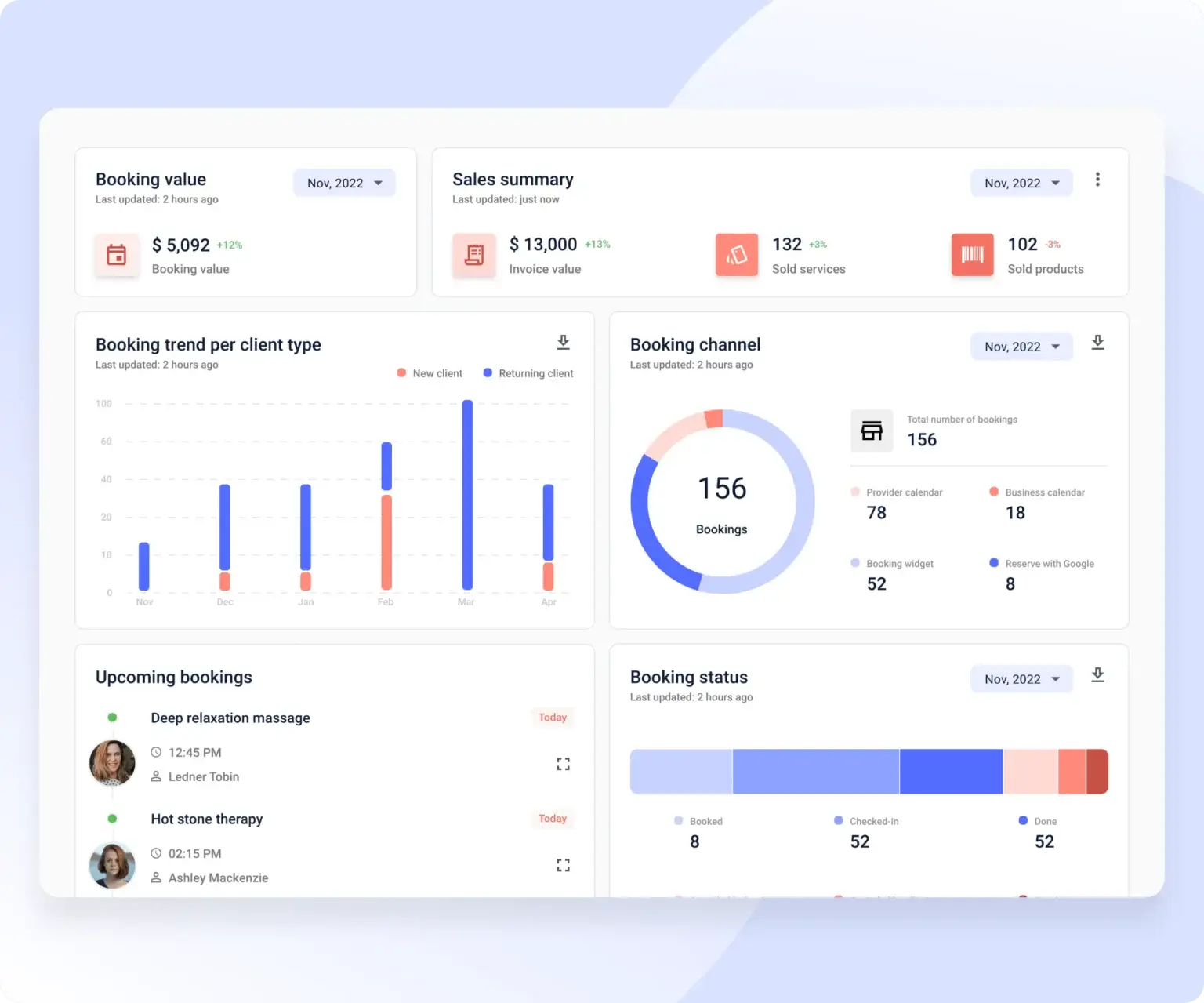
Introduction to Chiropractic Scheduling Software Features
Choosing the right scheduling platform starts with understanding what it actually does. Chiropractic scheduling software features are designed to simplify appointment management, reduce administrative work, and improve the overall patient experience—especially when powered by modern chiropractic scheduling software built specifically for chiropractic clinics. When used correctly, these features help clinics stay organized, reduce errors, and operate more efficiently.
Many clinics struggle not because they lack software—but because they don’t fully understand the chiropractic scheduling features available to them. This article breaks down the most important features in clear, practical terms so clinics can make informed decisions and use their tools effectively.
Why Chiropractic Scheduling Features Matter
Scheduling sits at the center of daily clinic operations. Without the right features, clinics often face:
- Double bookings
- High no-show rates
- Front desk overload
- Inconsistent patient flow
Well-designed chiropractic scheduling software features solve these problems by automating routine tasks and providing real-time visibility across the clinic—delivering measurable benefits for chiropractic clinics.
Core Chiropractic Scheduling Software Features Explained
Below are the most important features found in modern chiropractic scheduling systems and how each one supports clinic success.
1. Online Appointment Booking
Online booking allows patients to schedule appointments 24/7 through a website or booking link. This capability is not only convenient but increasingly expected in today’s digital age.
Why it matters:
- Reduces phone calls for the front desk staff
- Improves patient convenience by allowing them to choose their own times
- Captures bookings outside office hours, enhancing clinic accessibility
This is one of the most requested chiropractic scheduling features by patients, emphasizing the need for flexibility in their healthcare.
2. Real-Time Calendar Management
Real-time calendars update instantly when appointments are booked, rescheduled, or canceled. This feature is vital for minimizing confusion.
Why it matters:
- Prevents double bookings efficiently
- Keeps staff aligned on schedule changes
- Improves schedule accuracy, leading to better operational flow
3. Automated Appointment Confirmations
Automatic confirmations are sent immediately after booking via email or text, providing a sense of assurance to both clinic staff and patients.
Why it matters:
- Reassures patients about their appointments
- Reduces booking confusion and potential errors
- Saves valuable staff time that can be utilized elsewhere
4. Automated Reminder Messages
SMS or email reminders are sent before appointments, which can significantly alter patient attendance.
Why it matters:
- Reduces no-shows, a common problem in the industry
- Eliminates the need for manual reminder calls, freeing up staff time
- Keeps schedules full and minimizes lost revenue
This is one of the most valuable chiropractic scheduling software features for protecting revenue and ensuring efficient clinic operations.
5. Recurring Appointment Scheduling
Supports repeat visits for established care plans, making it easier for patients to stay committed to their treatment.
Why it matters:
- Simplifies long-term treatment scheduling for both staff and patients
- Encourages adherence to care plans by minimizing scheduling friction
- Reduces repetitive booking tasks, enhancing overall efficiency
6. Multi-Provider Scheduling
Allows clinics to manage multiple chiropractors, assistants, and treatment rooms efficiently, a necessity for larger practices.
Why it matters:
- Balances provider workloads effectively
- Prevents overlapping appointments that could confuse patients and staff
- Supports clinic growth by accommodating more patients and staff
7. Front Desk Scheduling Dashboard
A centralized dashboard provides staff with a clear view of daily schedules, improving their workflow.
Why it matters:
- Improves front desk workflow and operational efficiency
- Reduces interruptions that can lead to errors
- Enhances patient check-in speed for improved experience
8. Patient Self-Rescheduling and Cancellations
Patients can adjust appointments online without having to call, an increasingly valuable functionality.
Why it matters:
- Reduces front desk calls, freeing up staff to focus on in-clinic tasks
- Fills canceled slots faster with minimal effort from staff
- Improves patient satisfaction by empowering them to manage their own appointments
9. Mobile-Friendly Access
Scheduling capabilities can be accessed on phones and tablets, accommodating the modern on-the-go lifestyle of patients and staff.
Why it matters:
- Supports on-the-go management of schedules, making flexibility a priority
- Improves accessibility for staff, ensuring they have the right information at all times
- Ensures real-time access to scheduling from anywhere, enhancing responsiveness
10. Role-Based Staff Permissions
This feature controls who can view or edit schedules, thereby enhancing security protocols.
Why it matters:
- Improves security by limiting data access to authorized personnel only
- Prevents accidental changes that could disrupt clinic operations
- Clarifies staff responsibilities, ensuring everyone knows their roles
11. Reporting and Schedule Analytics
Provides insights into bookings, no-shows, and utilization, which can help clinics identify areas for improvement.
Why it matters:
- Identifies inefficiencies that could be costing the clinic money
- Supports data-driven decisions to optimize revenue and patient flow
- Improves long-term planning and strategy by offering actionable insights
How These Chiropractic Scheduling Features Work Together
Individually, each feature adds value. Together, they create a complete scheduling workflow that:
- Reduces staff workload significantly
- Improves patient flow, leading to more efficient days
- Increases appointment consistency and reliability
- Supports clinic scalability by allowing for more patients and providers with ease
Understanding how chiropractic scheduling software features interact is key to getting maximum value—especially when paired with a clear chiropractic scheduling software setup guide.
Basic vs Advanced Scheduling Features
| Feature Type | Basic Tools | Advanced Tools |
|---|---|---|
| Online Booking | Limited capability | Fully customizable options |
| Reminders | Manual processes | Automated SMS/email reminders |
| Reporting | Minimal data insights | Detailed analytics with actionable takeaways |
| Scalability | Low adaptability | High potential for growth |
Clinics should choose features based on current needs and projected future growth to ensure they invest wisely in their technology.
How to Choose the Right Chiropractic Scheduling Features
When evaluating software, clinics should prioritize:
- Ease of use for both staff and patients, ensuring all can navigate the platform effectively
- Automation of repetitive tasks to streamline operations
- Support for recurring visits, essential for maintaining patient care plans
- Secure data handling to comply with regulations, including HIPAA
- Scalability as the clinic grows to prevent software obsolescence
The best chiropractic scheduling software features support workflows—not complicate them.
Common Misunderstandings About Scheduling Features
- “More features are always better” – In reality, simplicity often wins. Focus on what’s necessary.
- “Staff won’t use automation” – Training and gradual integration can overcome resistance.
- “Patients won’t book online” – Research shows that most prefer online booking options for convenience.
Understanding features clearly prevents underuse and frustration. Check out our insights on choosing scheduling software for chiropractors to make informed decisions.
Future Trends in Chiropractic Scheduling Software Features
Future updates are expected to include AI-assisted scheduling, predictive no-show prevention, and smarter patient communication tools. Clinics that understand today’s features will be better prepared to adopt tomorrow’s innovations.
Frequently Asked Questions (FAQs)
1. What are chiropractic scheduling software features?
They are tools that manage booking, reminders, calendars, and patient flow, ensuring efficient clinic operations.
2. Which chiropractic scheduling features are most important?
The most critical include online booking, automated reminders, and real-time calendars that enhance clinic efficiency.
3. Do all clinics need advanced features?
Not always—features should match the specific needs and complexities of the clinic.
4. Can scheduling features reduce no-shows?
Yes, automated reminders and confirmations significantly lower missed appointments, benefitting clinic revenue.
5. Are these features suitable for small clinics?
Yes—small clinics often benefit the most from automation, streamlining their operations without a heavy overhead.
6. Do scheduling features replace front desk staff?
No—they support staff by removing repetitive tasks, allowing them to focus on enhancing overall patient experience.
Conclusion
Understanding chiropractic scheduling software features is essential for running an efficient, patient-friendly clinic. When clinics fully utilize the right chiropractic scheduling features, they reduce stress, improve consistency, and create smoother daily operations. Scheduling software isn’t just a tool—it’s a foundation for sustainable growth. For more on enhancing your clinic’s capabilities, explore the best scheduling software for chiropractors. Discover how automation and innovative tools can transform your practice today!